How to Read Your GetVIN Report
A section-by-section user manual (with a glossary)
A vehicle history report is only useful if you can actually understand it. This guide shows you what each section of a GetVIN report is for, how to interpret the data, and how to use AI Chat to quickly get answers in plain English.
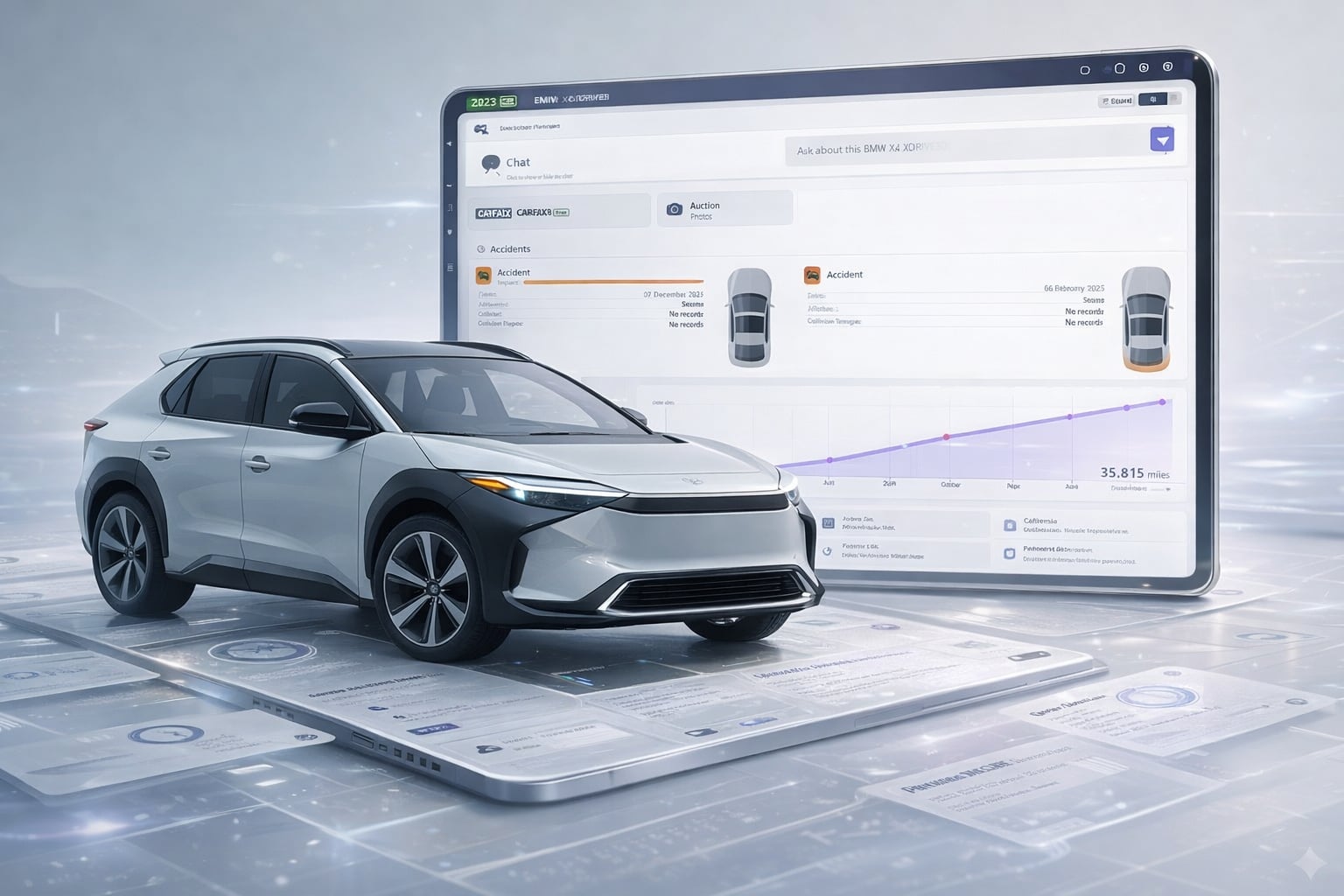
TL;DR (How to Use the Report)
- Start with the Timeline: it gives you the fastest picture of owners, mileage, and major events.
- Scan Titles + Damages: look for branding (salvage/rebuilt/flood) and any reported damage.
- Open All Events: confirm dates, mileage, and sources behind what you saw on the timeline.
- Use AI Chat: ask “What should I worry about?” and follow up with specifics.
- Verify critical items: if something matters (title status, odometer, major damage), confirm with the seller + paperwork.
What’s in This Guide
- Header (VIN + vehicle basics)
- Images (auction photos)
- Timeline (owners + mileage + event preview)
- Overview (Titles, Details, Damages, Counters, Owners)
- AI Chat (how to ask great questions)
- Included in this Report (links to additional sources)
- Accidents (impact + affected areas)
- All Events (excerpt)
- VIN Data (decoded specs)
- Glossary (common terms)
1) Header: VIN + Vehicle Basics
The header is your quick “identity check.” It shows:
- Year / Make / Model (from report data and decoding)
- VIN (click it to copy)
- Quick actions like Share and Print
What to do here:
- Verify the VIN matches the vehicle (dash, door jamb, title).
- Use Share/Print when you want a mechanic, friend, or buyer to review the same report.
2) Images: Auction Photos (When Available)
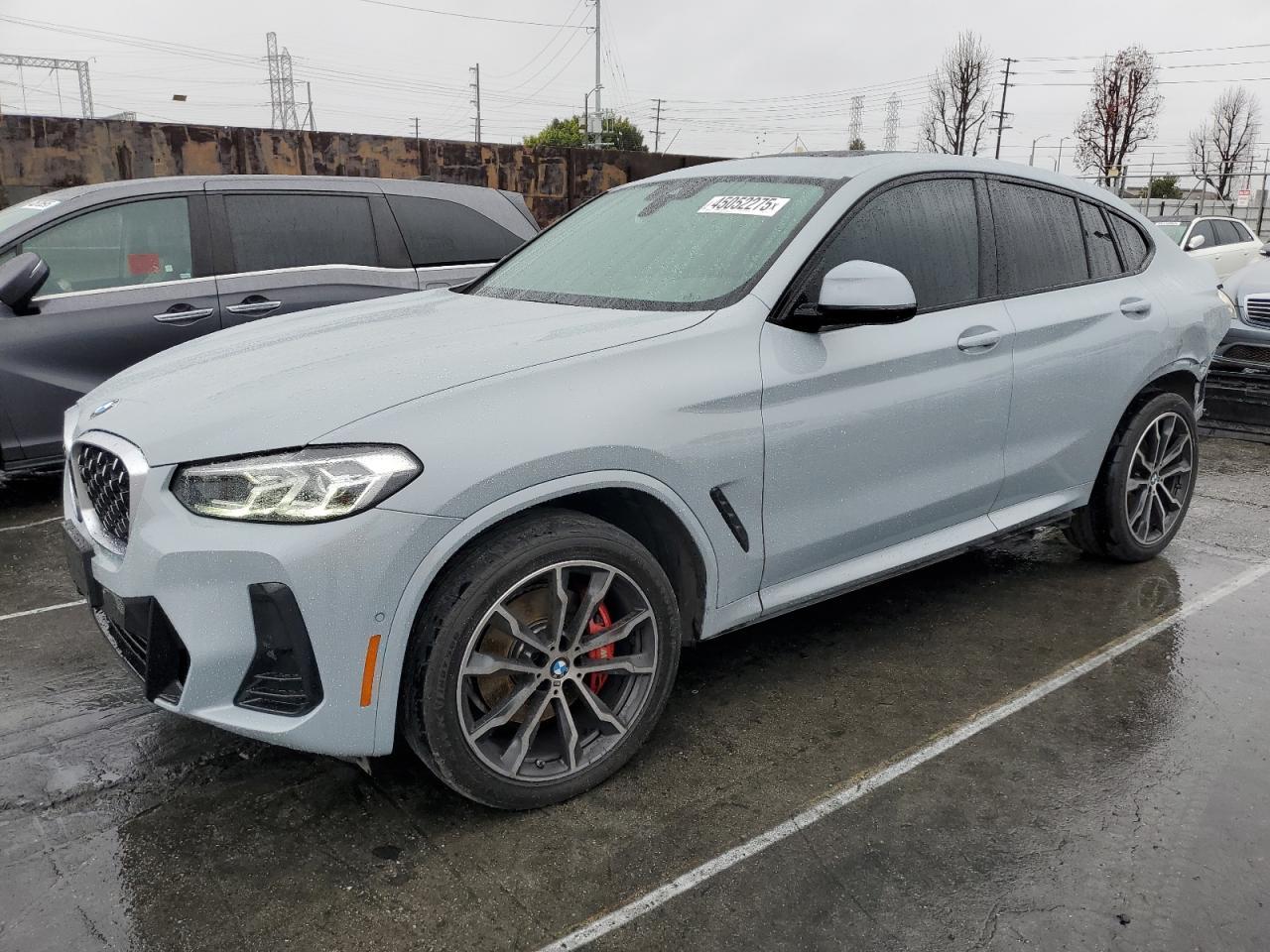
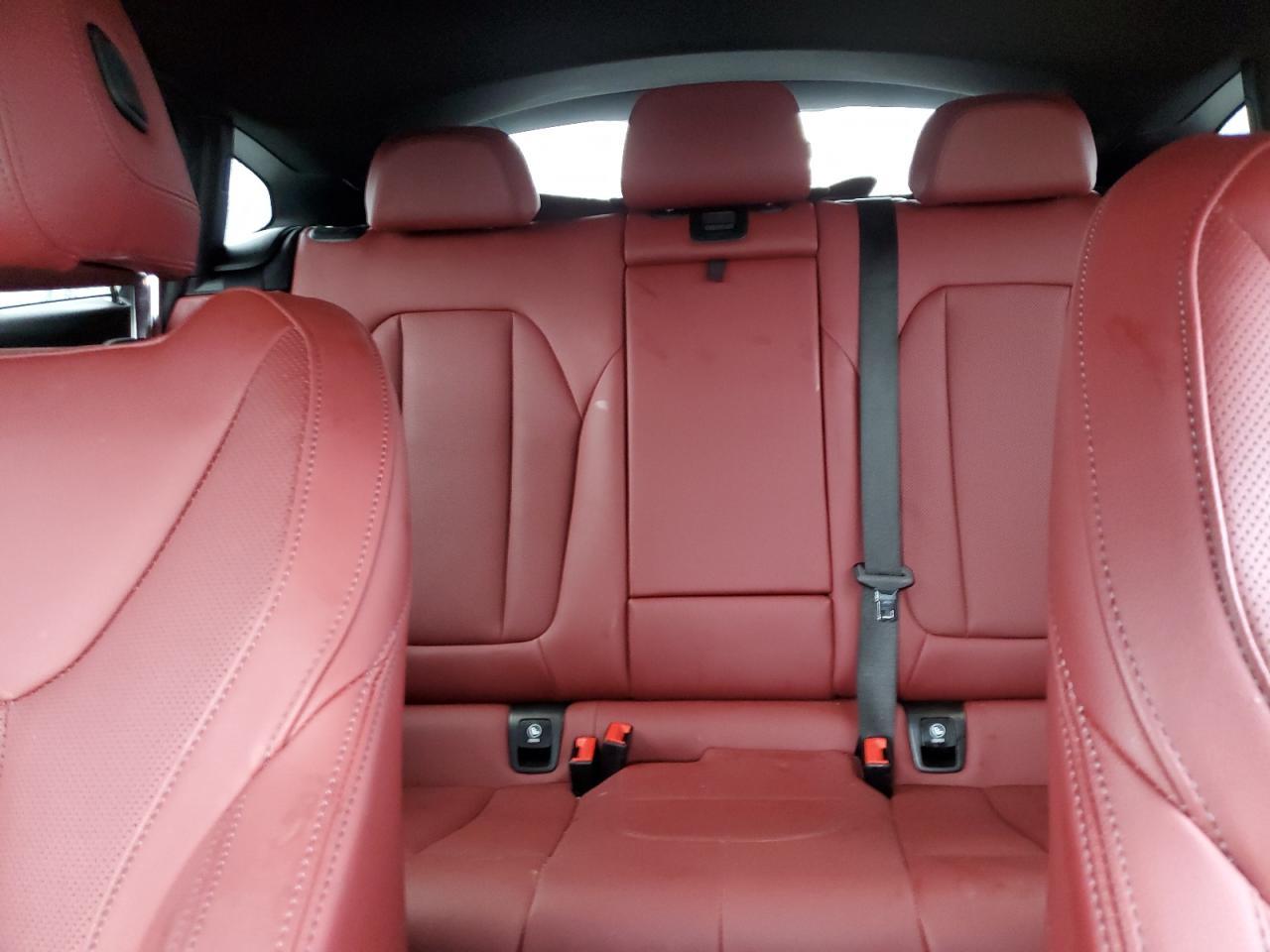
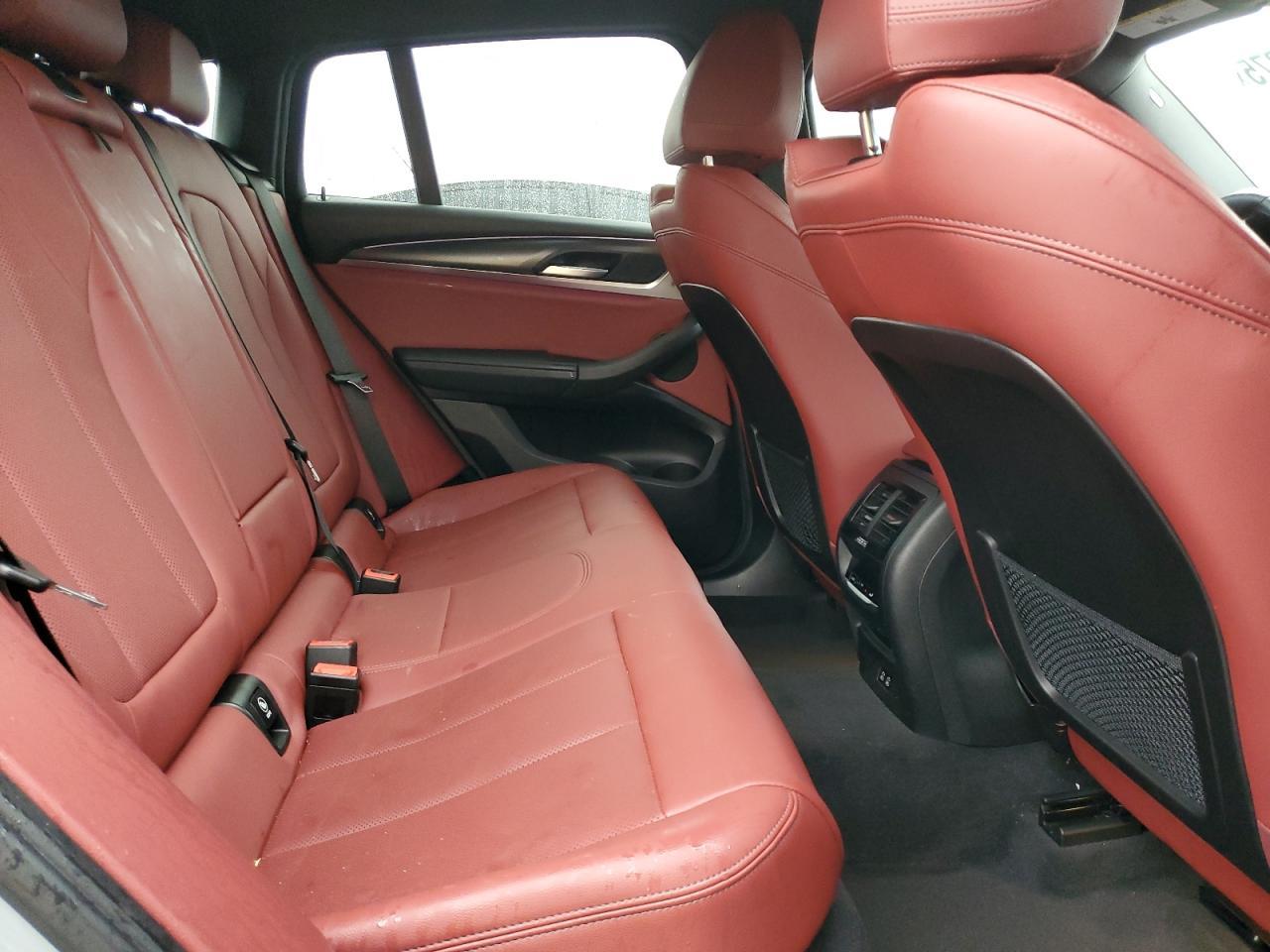
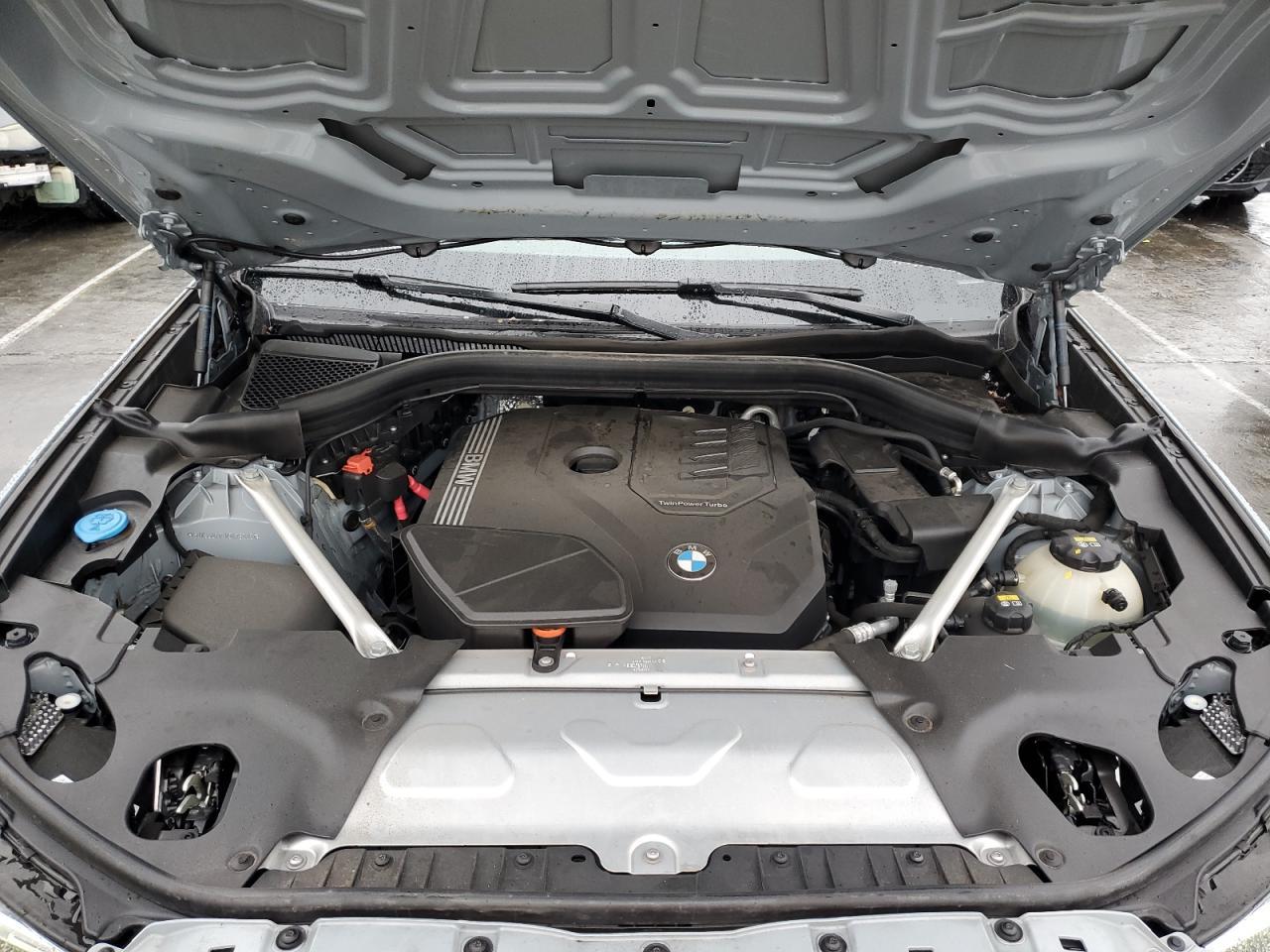
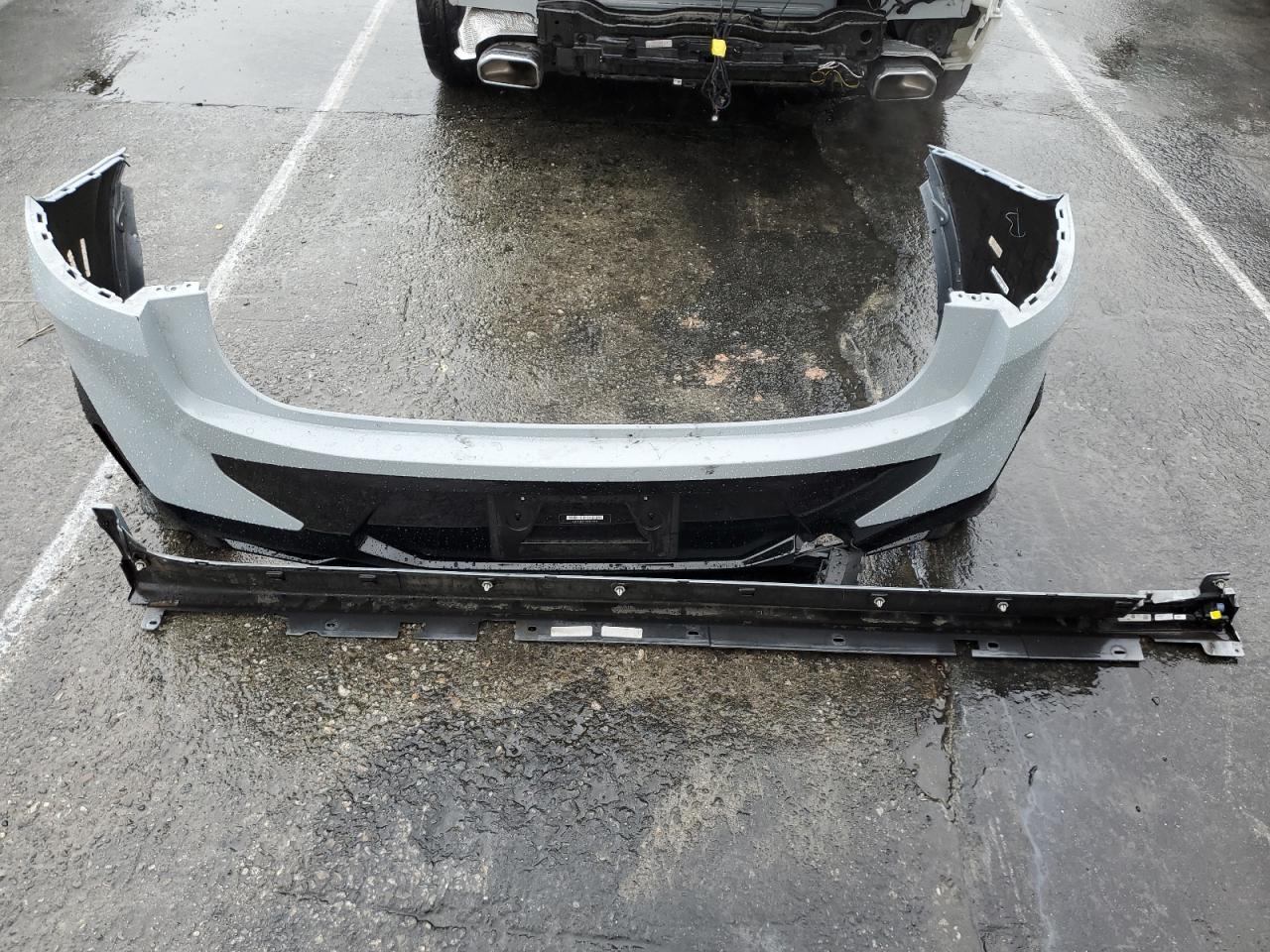
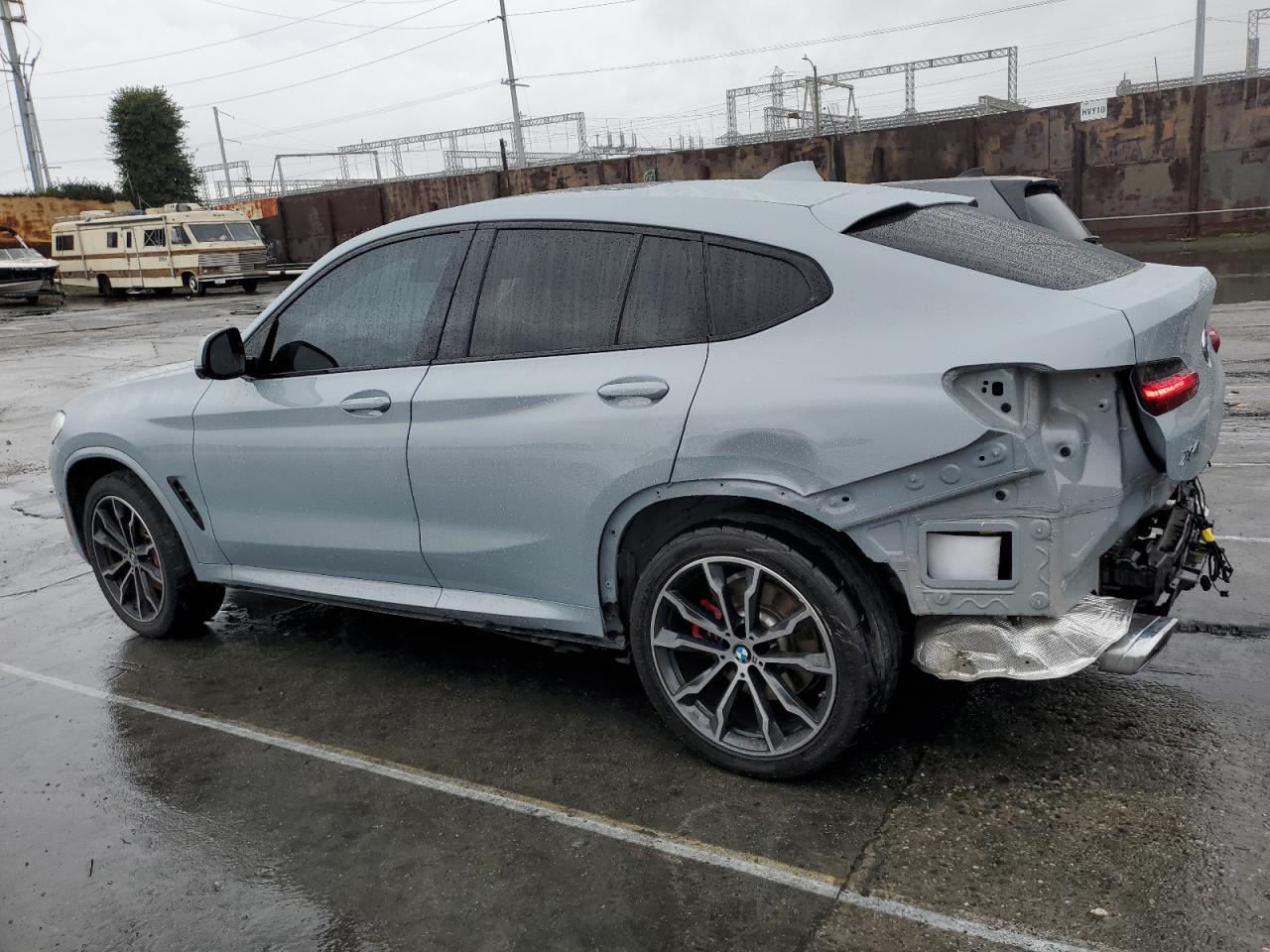
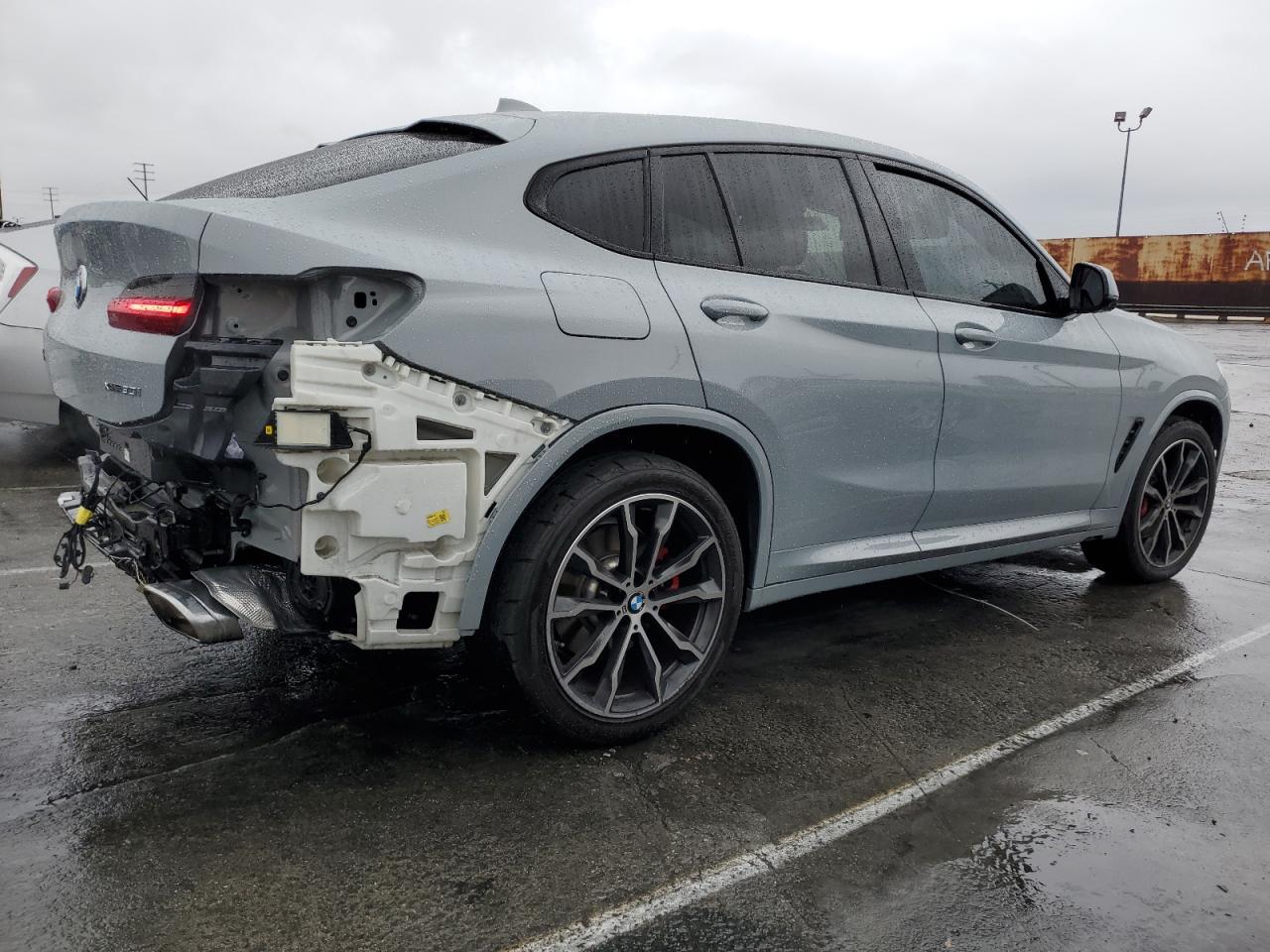
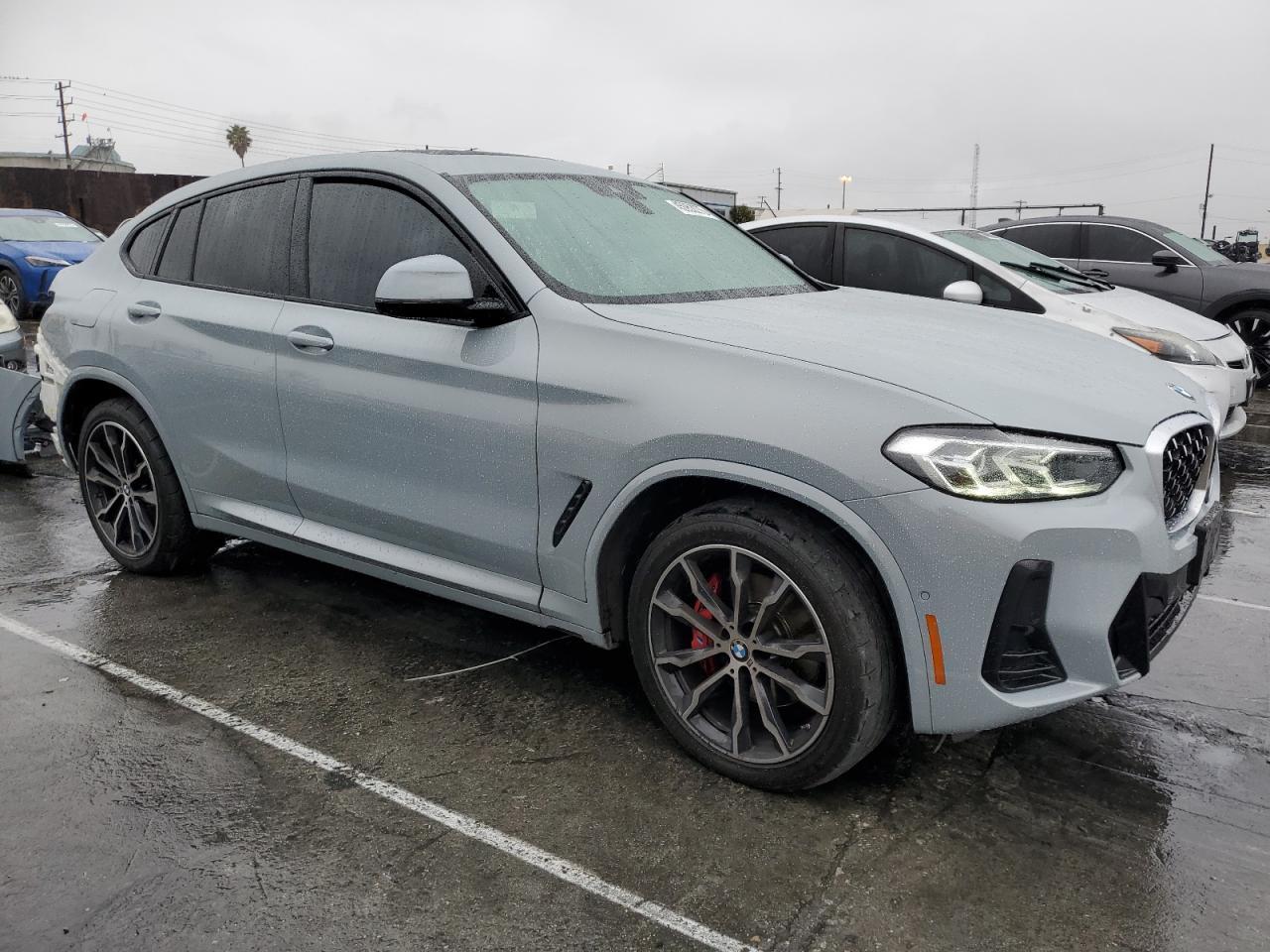
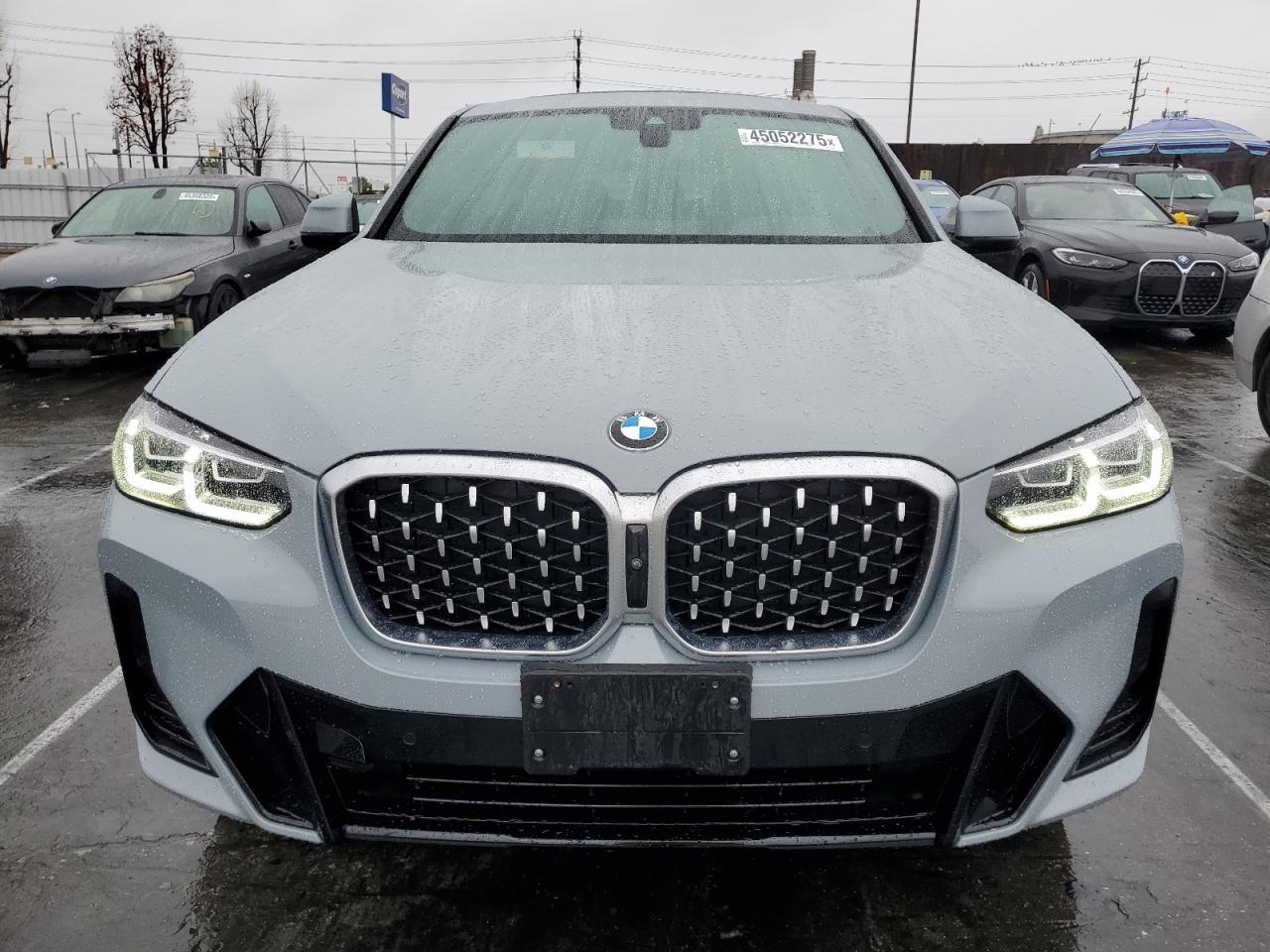
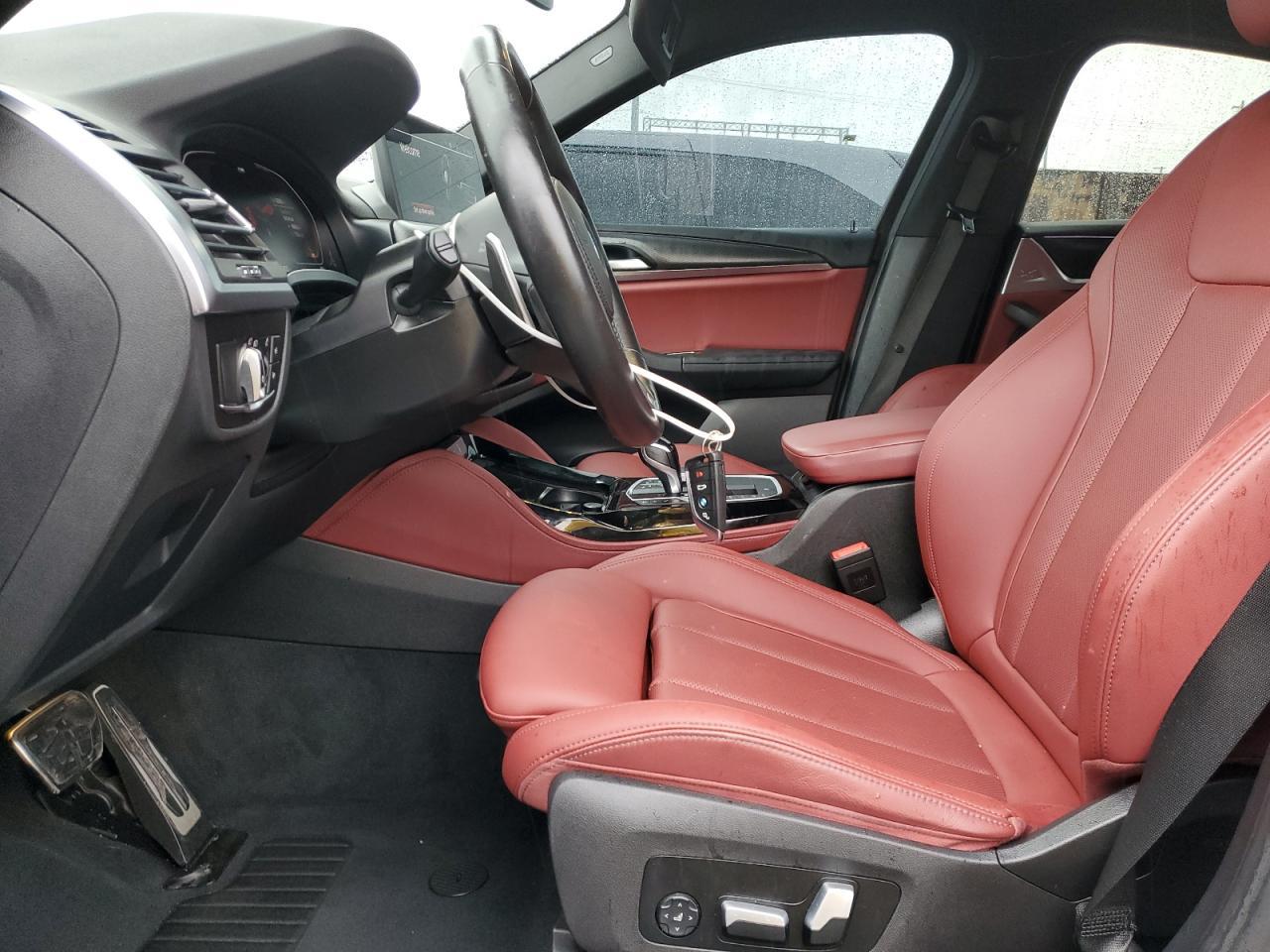
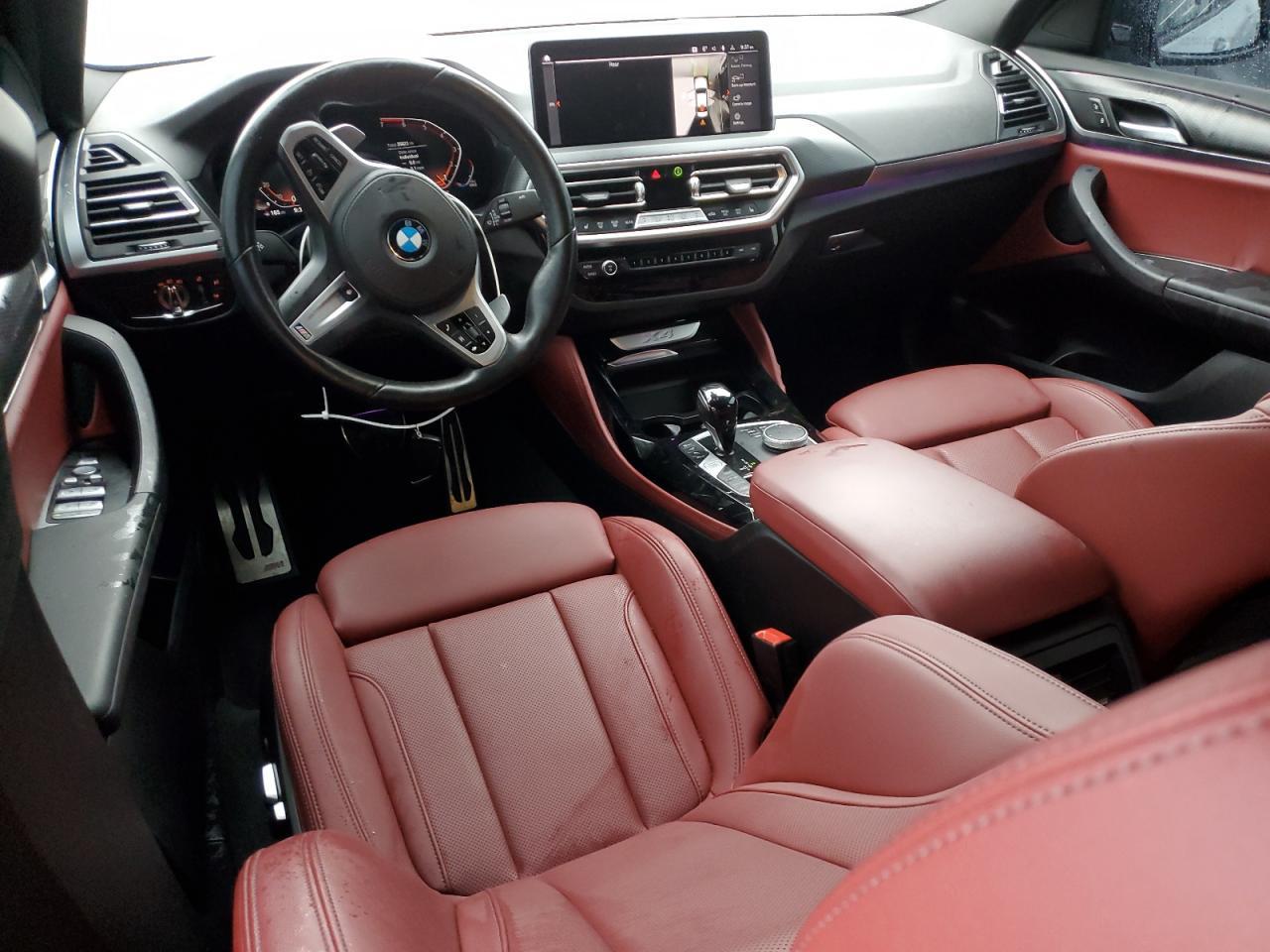
If the vehicle has auction coverage (Copart/IAAI/Manheim, etc.), you may see a photo slider.
How to use photos:
- Look for consistency: exterior color, trim, wheels, interior options vs the listing.
- Check for “small tells” (panel gaps, fresh paint edges, mismatched lights, missing airbags, warning lights).
- Compare photos to damage events: if the report mentions damage, photos can help validate severity.
Note: if you don’t see this section, it usually means photos weren’t available for this VIN/source mix.


3) Timeline: Owners + Mileage + Event Preview
The Timeline is the fastest way to understand the “shape” of the car’s history.
- It visualizes owners and mileage over time.
- Hover to preview an event in the Selected box.
- Click to pin/unpin an event preview and jump to the full event details.
What to look for:
- Mileage jumps or drops (a drop can be a red flag).
- Big gaps with no events (not always bad—sometimes just “no reporting”).
- Clusters of title/registration changes (could be normal, could be churn).
- Accident / total loss / salvage events (then cross-check in All Events + photos).
Timeline
4) Overview: Titles, Details, Damages, Counters, Owners
This section summarizes the most important facts in a scan-friendly way.
Titles
You’ll see any title brands that were reported (for example: salvage, rebuilt, flood, theft, etc.) and a count of recalls found in the report data.
How to interpret:
- A clean title typically means no brand was reported (but always verify with the seller/DMV).
- A branded title means the title has a designation that can affect value, financing, and insurability.
Details
Quick specs such as engine, fuel type, drivetrain, transmission, and cylinders (when available).
What to do: compare to the listing. Mismatches can be innocent (bad listing) or a warning sign (wrong VIN or incorrect trim/options).
Damages
If primary/secondary damage is reported, it appears here and links you to the Accidents section.
What to do: click through and check the event details and the date/mileage the damage was recorded.
Counters
Fast totals like:
- Last Odometer (most recent mileage reading in the report)
- Owners (count of ownership periods in the report)
- Service Records (count of service-type events detected)
How to use: treat them as a starting point, then confirm the underlying events in All Events.
Owners
A quick list of owners (usage type, state/province, purchase date, ownership duration). Expand to see more owners if there are many.
What to look for: frequent ownership changes, unusual state hops, or very short ownership periods (not always bad, but worth asking why).
5) AI Chat: Ask Questions About This Exact Report
AI Chat is built to help you read the report like an expert—without guessing. It can summarize, explain terms, and point you to what matters.
Great starter prompts
- “Summarize the vehicle’s history and the biggest risks.”
- “Do you see any red flags in title, odometer, or accidents?”
- “What questions should I ask the seller based on this report?”
Follow-up prompts (where Chat is strongest)
- “Explain the accident(s) and affected areas. How serious does it look?”
- “Does the mileage look consistent across the timeline? Point out anything odd.”
- “What does ‘loan or lien reported’ mean for a buyer?”
- “List the most important events by date in order.”
Tips for better answers
- Ask one question at a time, then drill deeper.
- Use the words you see in the report (“Title issued”, “Odometer reading reported”, “Failed safety inspection”).
- If you’re deciding between cars, ask for a risk summary in 3 bullets.
Important: AI Chat is an assistant for interpretation. It can’t “invent” missing history—if something was never reported to a source, it may not appear in any vehicle history report.
Chat
Ask questions about this report
Chat
The 2022 BMW X4 xDrive30i has a mixed history, including salvage titles and multiple accidents. Here are the key points:
-
Ownership and Usage: The vehicle has had two owners. The first owner had it for approximately three years, with an odometer reading of 25,814 miles at the time of ownership transfer. The second owner acquired the vehicle just one week prior to the report, with an odometer reading of 16,813 miles.
-
Accidents: The vehicle has been involved in several incidents, including:
- A minor accident on December 7, 2023.
- A moderate accident on February 4, 2025, which resulted in the car being declared a total loss due to collision damage affecting the rear.
-
Damages and Repairs: The report indicates that there were incidents of minor damage reported, and the vehicle has had service records indicating routine maintenance.
-
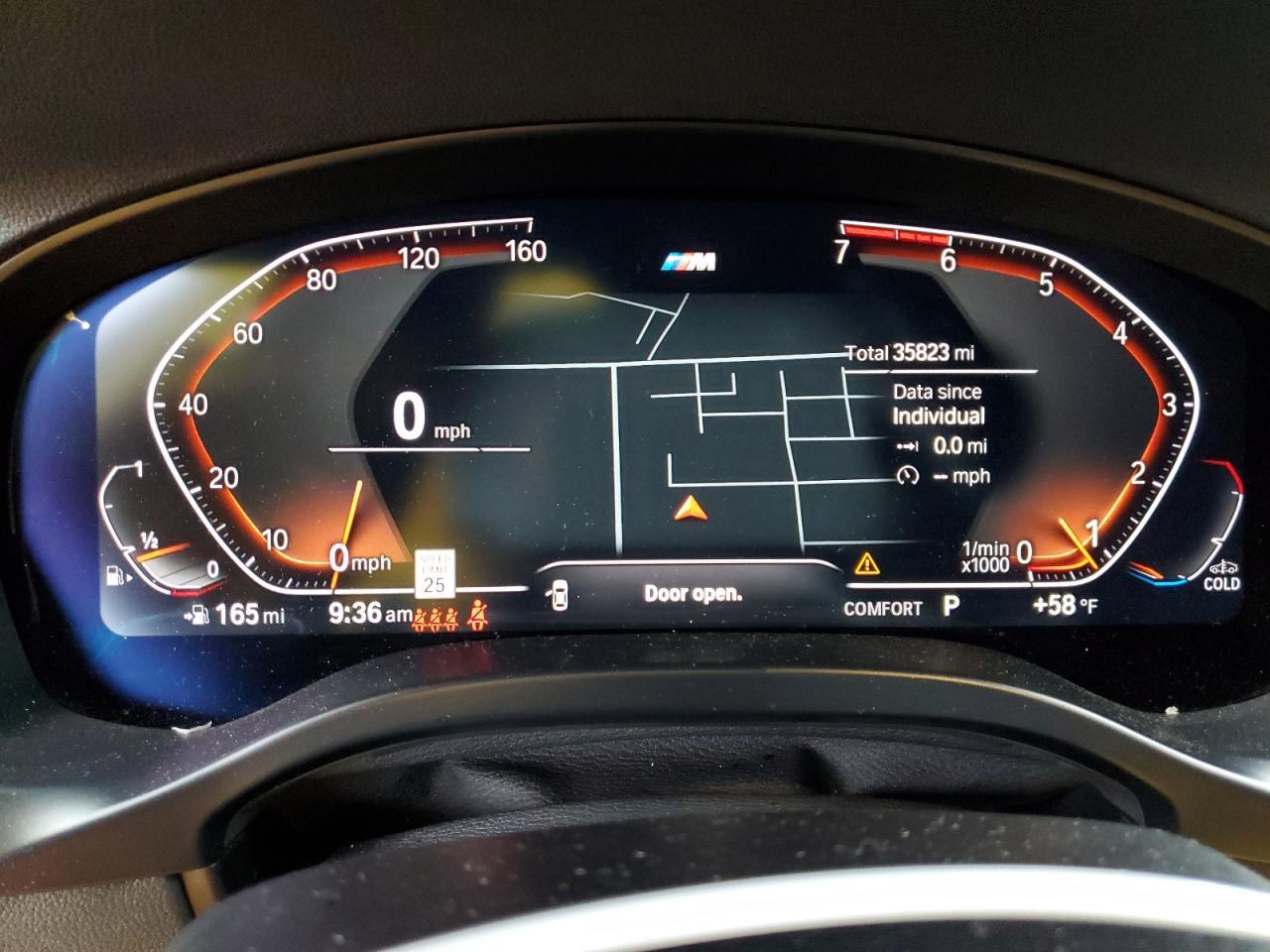
Current Condition: As of now, the vehicle's last reported odometer reading is 35,822 miles, and it has a retail value of $32,160.
Overall, while the vehicle may appeal to some buyers, potential purchasers should be cautious due to its salvage title and history of accidents, especially the total loss designation.
6) Included in This Report: Extra Sources & Downloads
This section shows what’s available for your specific VIN/order, such as:
- CARFAX® link (when included)
- Manheim report link (when included)
- Window Sticker (when available)
- Auction Photos shortcut
How to use it: if you see an important claim in one source (accident, title, mileage), it’s smart to cross-check where possible.
Included in this Report
7) Accidents: Impact + Affected Areas
If accidents or damage events exist, they’re summarized here.
- You may see an impact indicator and an affected region list.
- Click an accident card to jump to the exact event in All Events (for date, mileage, and source details).
Important: “No accidents reported” means the report didn’t find an accident record in the sources used—it is not a guarantee that an accident never happened.
Accidents
8) All Events: The Full History (Excerpt)
On a real report page, you’ll see the full event chain grouped by owner. For this guide, we show just a small excerpt (an accident event + a normal event) so you can learn what to focus on.
Each event includes:
- Date and mileage (when available)
- Source (DMV, service shop, auction, manufacturer, etc.)
- Details (the actual reported lines you need to interpret)
Red flags (and how to investigate)
- Odometer inconsistency: ask Chat to summarize mileage changes; verify with physical odometer + service receipts.
- Branding or total loss: check title paperwork, photos, and ask the seller for repair documentation.
- Many owners quickly: ask why (flip, unresolved issue, lease turn-in, etc.).
- Repeated “loan or lien” notes: confirm the seller can provide a lien release if applicable.
All Events (Excerpt)
Example entries-
Damage Report
- Damage reported: minor damage
- Date: 07 December 2023
- Impact: Minor
- Affected: No records
- Collision Types: No records
- Damages: No records
-
California
Motor Vehicle Dept. -
Folsom, CA
- Odometer reading reported
9) VIN Data: Decoded Specifications
This section is a structured table of decoded VIN attributes (when available). It’s especially useful for:
- Verifying trim, engine, drivetrain, and other specs against the listing.
- Catching “VIN mismatch” situations (listing doesn’t match the decoded vehicle).
VIN Data
| Make: | BMW |
| Manufacturer Name: | BMW MANUFACTURER CORPORATION / BMW NORTH AMERICA |
| Model: | X4 |
| Model Year: | 2022 |
| Plant City: | GREER |
| Trim: | X4 xDrive30i |
| Vehicle Type: | MULTIPURPOSE PASSENGER VEHICLE (MPV) |
| Plant Country: | UNITED STATES (USA) |
| Plant State: | SOUTH CAROLINA |
| Body Class: | Sport Utility Vehicle (SUV)/Multi-Purpose Vehicle (MPV) |
| Doors: | 4 |
| Gross Vehicle Weight Rating From: | Class 1D: 5,001 - 6,000 lb (2,268 - 2,722 kg) |
| Number of Seats: | 5 |
| Number of Seat Rows: | 2 |
| Transmission Style: | Automatic |
| Transmission Speeds: | 8 |
| Drive Type: | AWD/All-Wheel Drive |
| Engine Number of Cylinders: | 4 |
| Displacement (L): | 2.0 |
| Fuel Type - Primary: | Gasoline |
| Engine Brake (hp) From: | 248 |
| Pretensioner: | Yes |
| Seat Belt Type: | Manual |
| Other Restraint System Info: | Seat Belt: All Positions / Pretensioner & Head Inflatable Restraint: Rear Outboard Driver-side & Rear Outboard Passenger-side |
| Curtain Air Bag Locations: | 1st and 2nd Rows |
| Front Air Bag Locations: | 1st Row (Driver and Passenger) |
| Knee Air Bag Locations: | 1st Row (Driver and Passenger) |
| Side Air Bag Locations: | 1st Row (Driver and Passenger) |
| Anti-lock Braking System (ABS): | Standard |
| Electronic Stability Control (ESC): | Standard |
| Traction Control: | Standard |
| Tire Pressure Monitoring System (TPMS) Type: | Direct |
| Auto-Reverse System for Windows and Sunroofs: | Standard |
| Keyless Ignition: | Standard |
| Blind Spot Warning (BSW): | Standard |
| Forward Collision Warning (FCW): | Standard |
| Lane Departure Warning (LDW): | Standard |
| Backup Camera: | Standard |
| Parking Assist: | Standard |
| Daytime Running Light (DRL): | Standard |
| Headlamp Light Source: | LED |
| Semiautomatic Headlamp Beam Switching: | Standard |
| Adaptive Driving Beam (ADB): | Standard |
| Rear Cross Traffic Alert: | Standard |
Glossary: Common Terms You’ll See
- Title brand: a designation (salvage, rebuilt, flood, lemon, etc.) that stays with a title record and can affect value/insurability.
- Salvage: often indicates an insurer deemed the vehicle a total loss (rules vary by state).
- Rebuilt/Reconstructed: a salvage vehicle that was repaired and re-titled for road use (requirements vary).
- Total loss: typically insurer determination; may show with salvage branding or separate event reporting.
- Lien / loan reported: financing interest recorded—make sure it’s released before purchase if applicable.
- Odometer reading reported: mileage was reported by a source (DMV/service/inspection/auction).
- Recall: a manufacturer safety recall; “Remedy available” means a fix exists (often free at dealer).
- Offered for sale: the vehicle appeared in a listing/auction context.
- No records: data wasn’t present for that field/event (not necessarily “good” or “bad”—just unavailable).
Next Steps: Use This Report Like a Pro
- Run the VIN, then ask Chat: “What are the top 3 risks and what should I verify?”
- Cross-check title/odometer claims with the seller’s paperwork.
- Get a pre-purchase inspection for any used vehicle you’re serious about—especially if you see damage history.
If you want a quick walkthrough for your specific vehicle, open your report and ask Chat: “Explain this report to me like I’m a first-time buyer.”